
If you have a need for privacy and security and don’t have a cybersecurity background, trying to wade your way through all of the information and claims made by the producers of different services can be a daunting task. With that in mind, I thought I’d go over the services I personally use and why I use them.
Browsers
Almost all browsers claim to be secure and private. Unfortunately, the reality is that most of these claims are aimed at people who don’t have the time and resources to evaluate whether they are actually true. I use two browsers:
- Firefox. Firefox is a free and open-source browser made by Mozilla. Open-source means that anyone can evaluate the code used to create the browser, as well as the claims made by Mozilla. That’s important because it means that it is very hard to make unsubstantiated claims. Also, Firefox has add-ons that can improve security and privacy even more.
- TOR Browser. TOR is designed to be private and anonymous. It is based on Firefox and uses DuckDuckGo as the default search engine. See this post for more information about TOR.
VPN Providers
A VPN provides a secure, encrypted tunnel between the source and destination computers. When you use a VPN, your data is encrypted and your IP Address is masked. Important considerations include whether your internet use is logged by the provider, and whether they are based in an area susceptible to law-enforcement warrants. VPNs are one service where I don’t usually recommend the free services (unless you are proficient enough to set up OpenVPN on an AWS server. I’ve done it and it isn’t that easy). There are a lot of “free” VPN services, but nothing is really free. The risk is that they sell your data to fund their business or shower you with ads. My choices:
- NordVPN. A paid VPN service based in Panama (no mandatory data retention laws) that provides a fast, secure, reliable product.
- ProtonVPN. From the people who brought us Protonmail (my choice for secure email). They have a free tier, but I recommend the paid version.
Email Providers
I used to consider email to generally be something you only used if you really didn’t care who saw it. With the advent of Transport Layer Security (TLS), it is possible to have end-to-end (E2E) encrypted email. Gmail now uses this by default. Unfortunately, Google stores all of your data on their servers. I use Gmail for most accounts, but for anything sensitive I recommend:
- Protonmail. Based in Switzerland, where there are strict privacy laws. Anything you save is stored encrypted on their servers in an underground vault. Protonmail is open source and uses AES-256 symmetric encryption, RSA public-key cryptography, and TLS. See this post for more information on encryption standards.
- Tutanota. Another encrypted email product that provides E2E encryption and has the advantage of requiring little to no personal information to open an account.
Private Messaging and Calling
This is an area where there is a lot of misinformation. Are your chats and calls actually E2E encrypted? Is your information given to third parties? WhatsApp, for example, is a Facebook company. Take that as you will. I recommend:
- Signal. A truly E2E encrypted, decentralized messaging and calling service. The only service endorsed for use by European intelligence services and endorsed by Edward Snowden. It’s really the only service I trust. The only downside is that you do have to provide a real cell number.
- Telegram. Sort of a hybrid social media and chat service. It has recently been in the news because it has been widely used by Ukrainians seeking a safe means to communicate and get news. I like Telegram, but messaging is not E2E encrypted by default. You can select a secret chat that is, though.
Password Storage
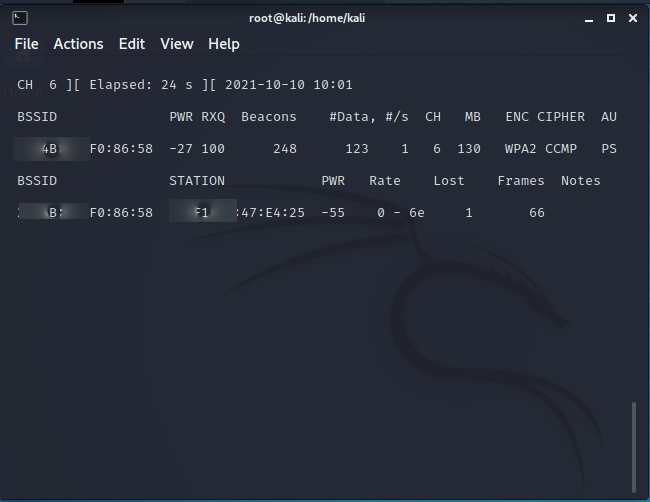
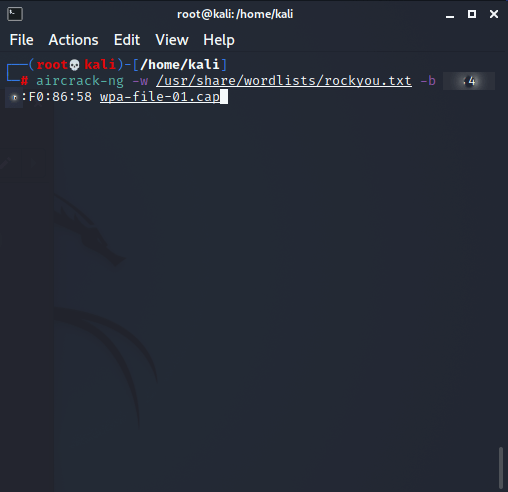
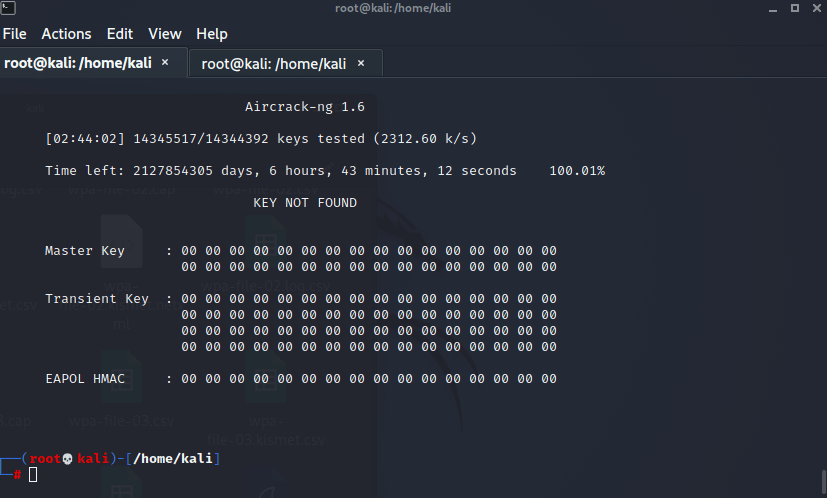
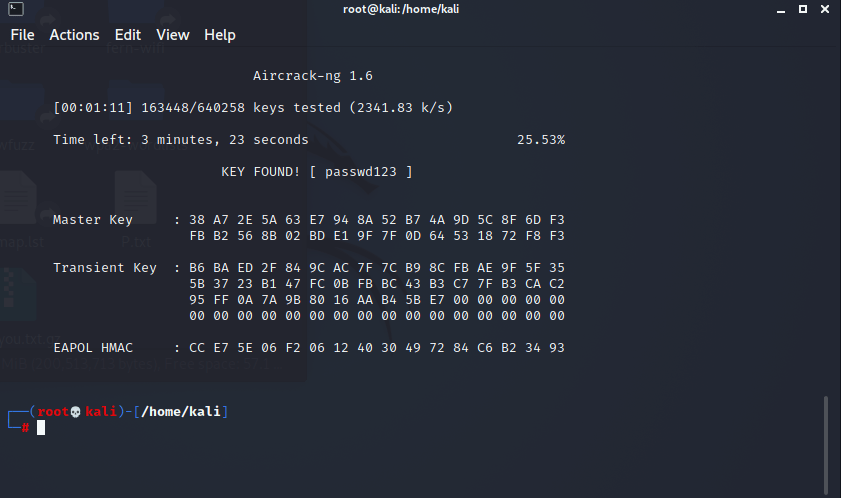
At this point, there is really no excuse to use weak passwords. If you use short, easily-memorable passwords, you are simply not secure. I generally use randomly generated, 14 + character passwords that are a combination of upper-case letters, lower-case letters, numbers, and symbols. The problem is that these passwords are virtually impossible to remember. A password vault allows you to generate, store, and usually auto fill passwords. My recommendations are:
- Bitwarden. A secure, free, and open-source password manager that works on Windows, Linux, MacOS, Android, and IOS. I really like the add-on browser extensions for Firefox and Chrome. I think it’s the easiest to use.
- KeePass. This is more advanced. With Keepass, passwords are only stored locally (i.e on your computer), encrypted, in a file. They are accessed with an ideally long passphrase. I use KeePass for passwords that are so sensitive that I don’t even want them on Bitwarden.
Disk and File Encryption
I have only one recommendation here, and that’s Veracrypt. Veracrypt is free and open-source encryption software for Windows, MacOS, and Linux that allows you to encrypt files, folders, or even whole disks. There are other encryption solutions: I’ve used File Vault on Mac and BitLocker, which is a proprietary Windows program available on the Pro versions, but if it matters, I use Veracrypt.





 Cybersecurity Journey